Covers
Recognize the book at a glance instead of scanning a wall of titles.
Book collection app
Keep your books organized and close at hand, so you can check what you own before buying another copy or trying to remember which edition is already at home.
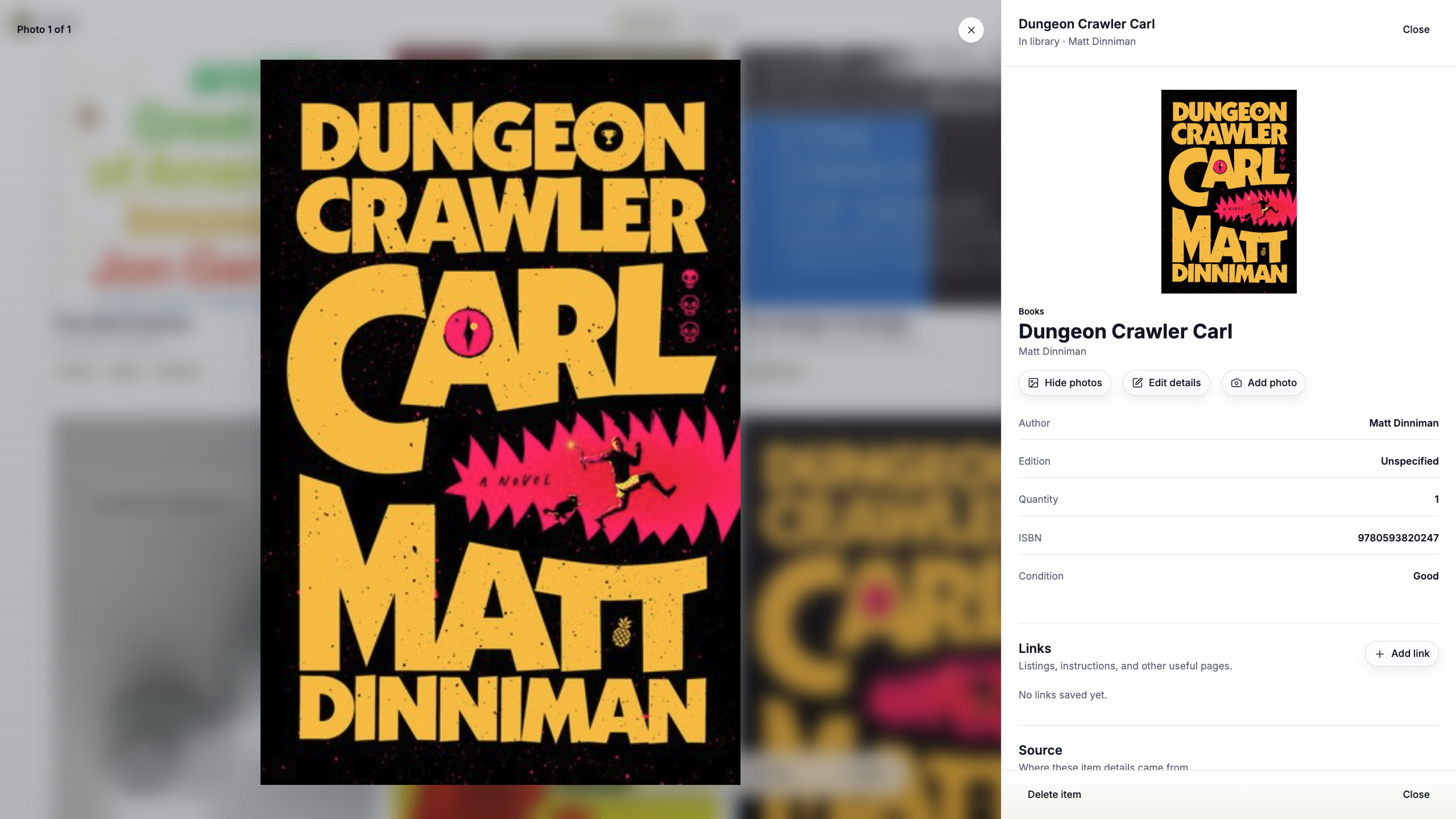
Your books, remembered
Recognize the book at a glance instead of scanning a wall of titles.
Keep the basic identity of every book clear and consistent.
Save the identifier that distinguishes one edition from another when it is available.
Keep the edition information returned by supported lookup, and add your own notes when the copy matters.
Organize books by subjects, genres, or another system that makes sense for your library.
Record the condition of the copy you actually own.
Remember when and where you bought a book without hunting through old orders.
Keep a value with books where replacement, resale, or collector context matters.
Add your own images for signatures, inscriptions, special covers, damage, or other details worth remembering.
Keep private context and useful references connected to the book instead of scattered elsewhere.
Your whole library
Catalog the books you read, collect, reference, display, or simply do not want to accidentally buy twice.
Everyday reading copies, favorite editions, mass-market paperbacks, trade paperbacks, and hardcovers.
Limited editions, collector editions, alternate covers, deluxe releases, and book-box editions.
Keep photos and notes with signed copies, advance reader copies, inscriptions, and other details that make one copy different from another.
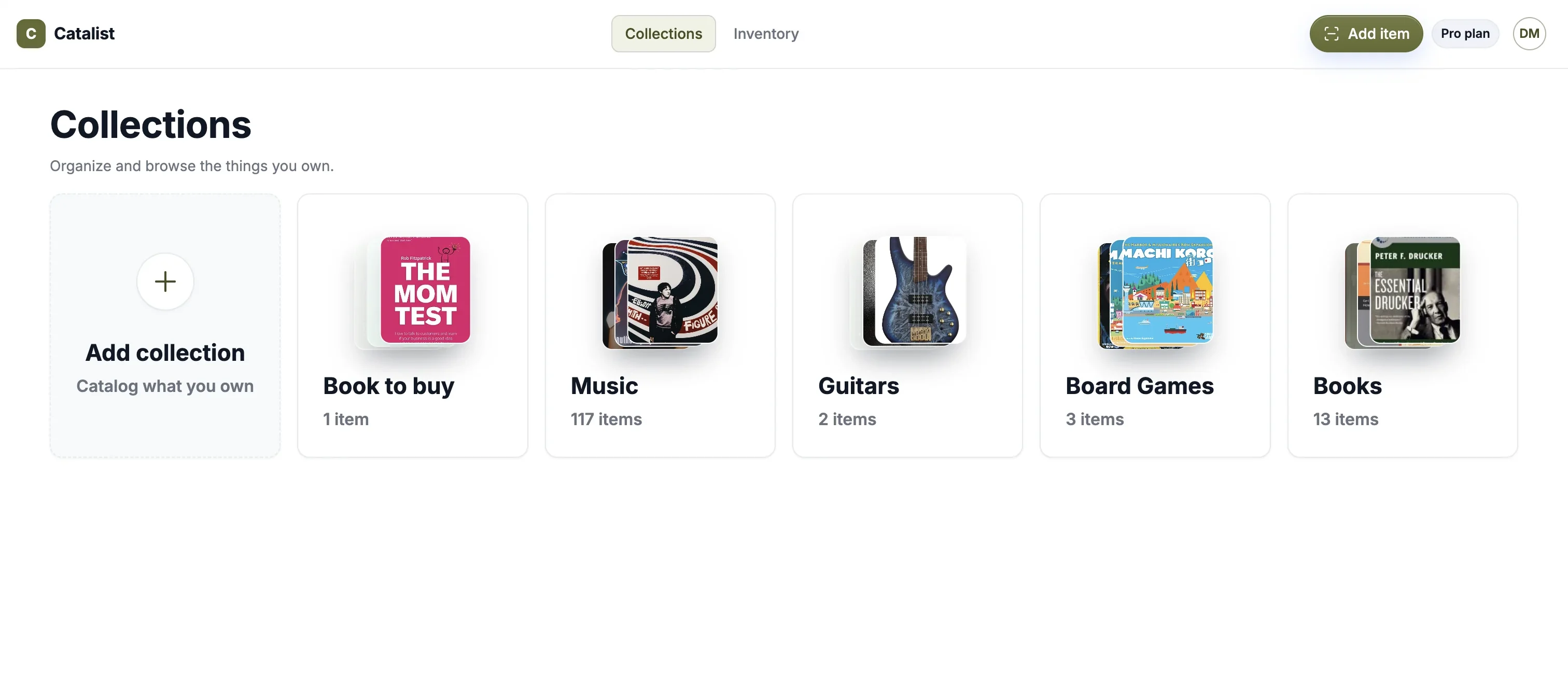
Keep the volumes you own together so it is easier to see what is already in the collection.
Design books, cookbooks, photography books, textbooks, technical references, coffee-table books, and the titles you keep for more than reading.
Your library, your system
Use categories such as Fiction, Design, History, Biography, Reference, or whatever makes your own library easier to understand.
Faster cataloging
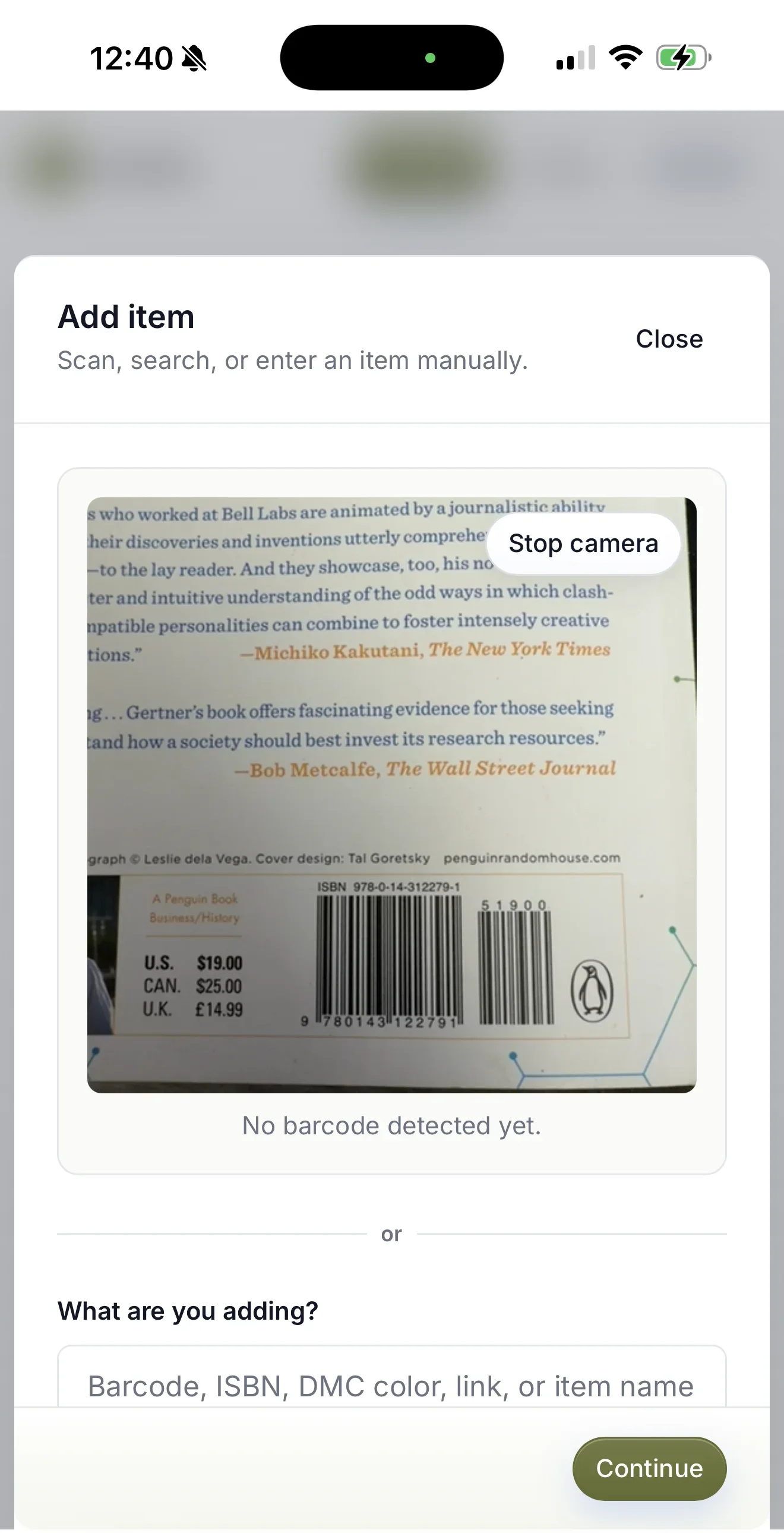
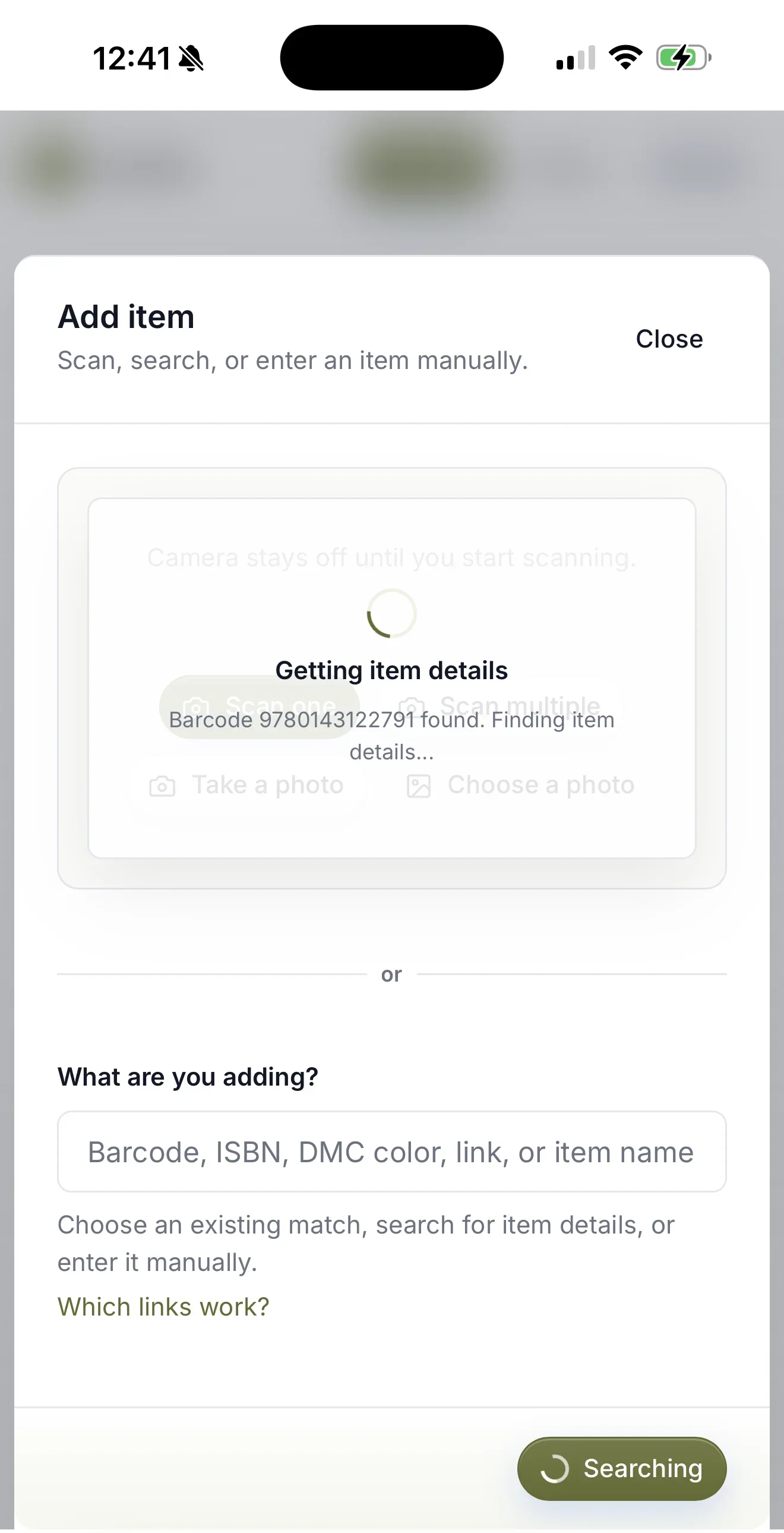
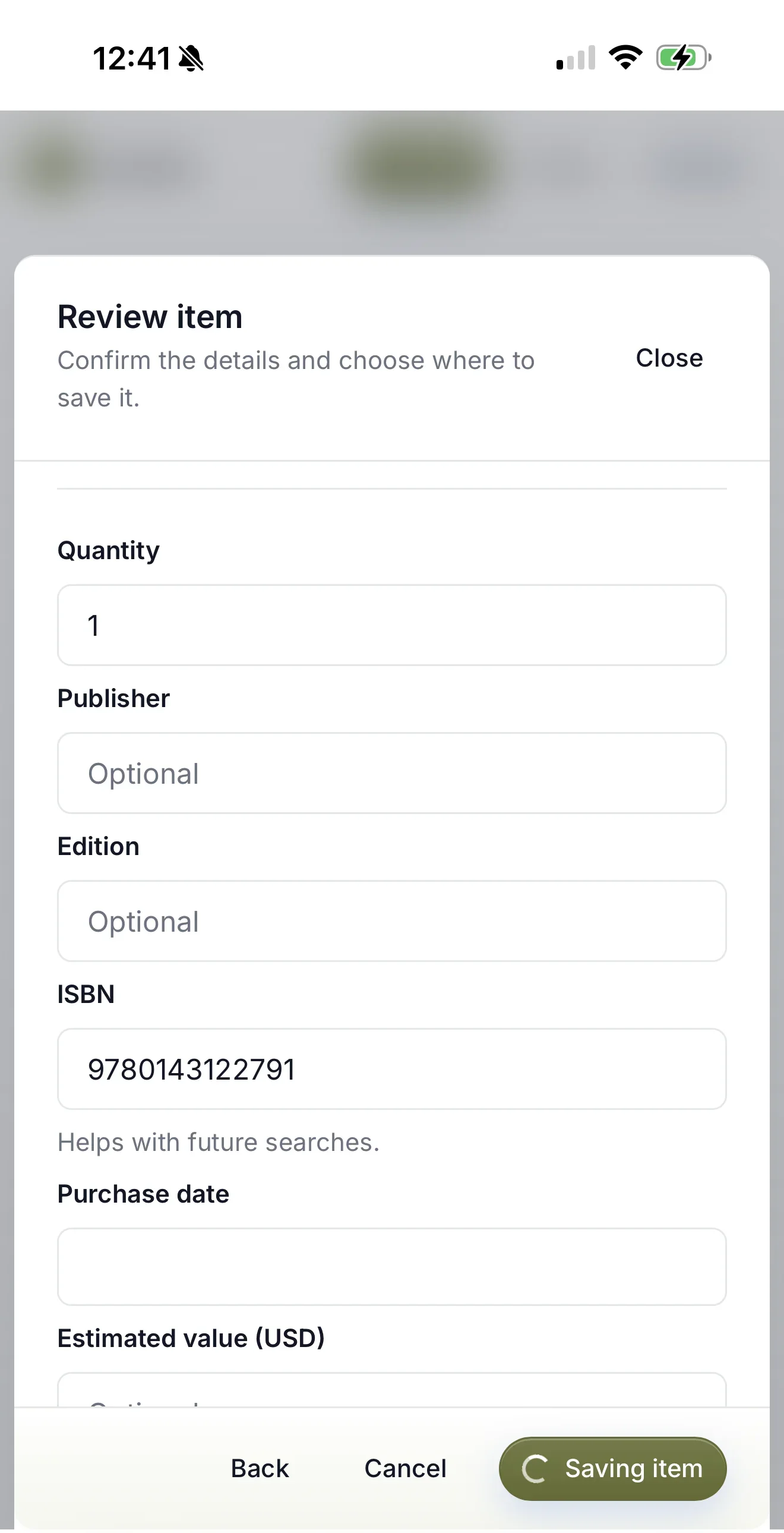
Scan a supported ISBN barcode, confirm the book Catalist found, and save it. If a lookup misses, keep the record moving with manual entry instead of hitting a dead end.
Use the barcode on supported books to bring in available book identity and cover information.
Check that Catalist found the right book before it becomes part of your collection.
A useful record does not need every possible field completed before you can keep it.
Older book, unusual edition, or lookup miss? Add the book manually and keep going.
Your library, away from home
The moment you most need your book catalog is often when you are standing in front of another shelf somewhere else.
Check your Catalist collection before bringing home a copy you already own.
Reference the cover, ISBN, photos, condition, and notes when the specific copy matters.
Give hundreds of books a consistent structure instead of relying on memory or a spreadsheet you stopped maintaining.
Have your collection with you when a bookstore, library sale, estate sale, or thrift-store find makes you wonder what is already at home.
Save photos and notes for signatures, inscriptions, alternate covers, and other details that are easy to forget later.
Keep owned books separate from memory, screenshots, notes, and wish-list ideas scattered across other places.
Built around ownership
Catalist is for keeping a record of the copies you own. It does not need to become a reading challenge, review feed, or social profile to make your library useful.
More than books
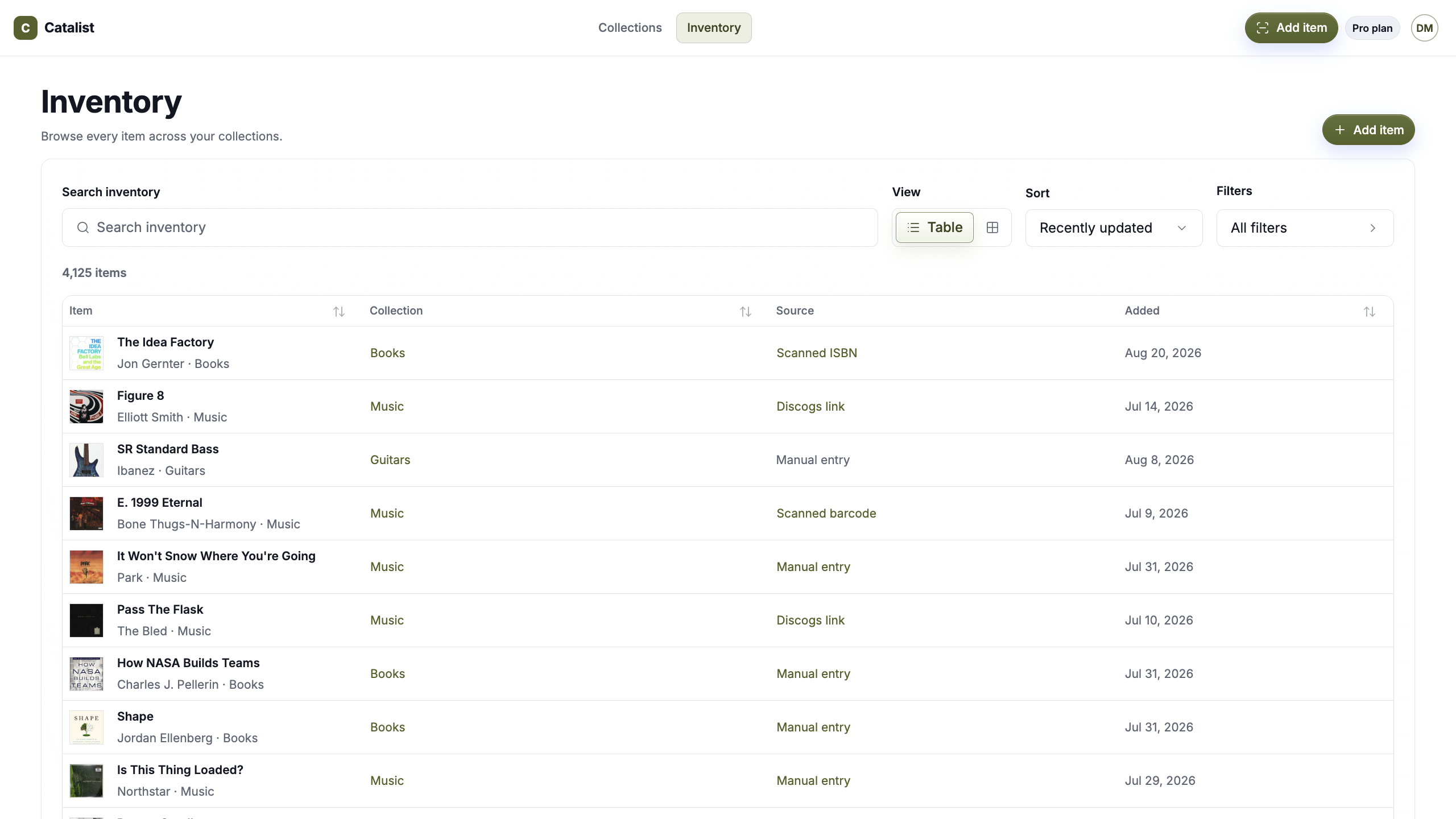
Your books do not have to live in one specialist app while vinyl, board games, tools, home inventory, and other collections live somewhere else.
Keep them together in Catalist while each collection keeps the organization that makes sense for it.
Explore what you can catalogSimple pricing
Start free or go Pro. Use the same Catalist account for your books and every other collection you want to keep together.
Catalist Free
Catalog up to 75 items across 2 collections.
Catalist Pro Monthly
Catalog unlimited items across unlimited collections.
Catalist Pro Annual
Get the same unlimited Pro plan and save with annual billing.
Start free with 2 collections and up to 75 items. Go Pro for unlimited collections and items.
Questions, answered
What to know about using Catalist as a book collection app.
A book collection app gives you a digital record of the books you own, with identifying details, covers, categories, purchase information, notes, condition, photos, and other context you want to keep with each copy.
Yes. Catalist supports ISBN barcode scanning for books. Confirm the returned match before saving it to your collection.
You can add the book manually. A lookup miss should not prevent you from keeping the book in your collection.
Yes. Add them manually and keep the details you know.
Yes. Use categories that fit your library, such as Fiction, Design, History, Biography, Reference, or your own system.
Yes. Each copy can have its own item record, photos, ISBN when available, condition, purchase details, value, and notes.
Yes. Add item photos for signatures, inscriptions, alternate covers, condition, or other details you want to preserve with the record.
Catalist is centered on the books you own rather than reading streaks, reviews, or a social reading feed.
No. Catalist is private by default.
Yes. Books can live beside vinyl, board games, tools, home inventory, technology, and other collections in the same account.
Give your book collection a place you can actually take with you.
Private by default · One catalog · Everything you own