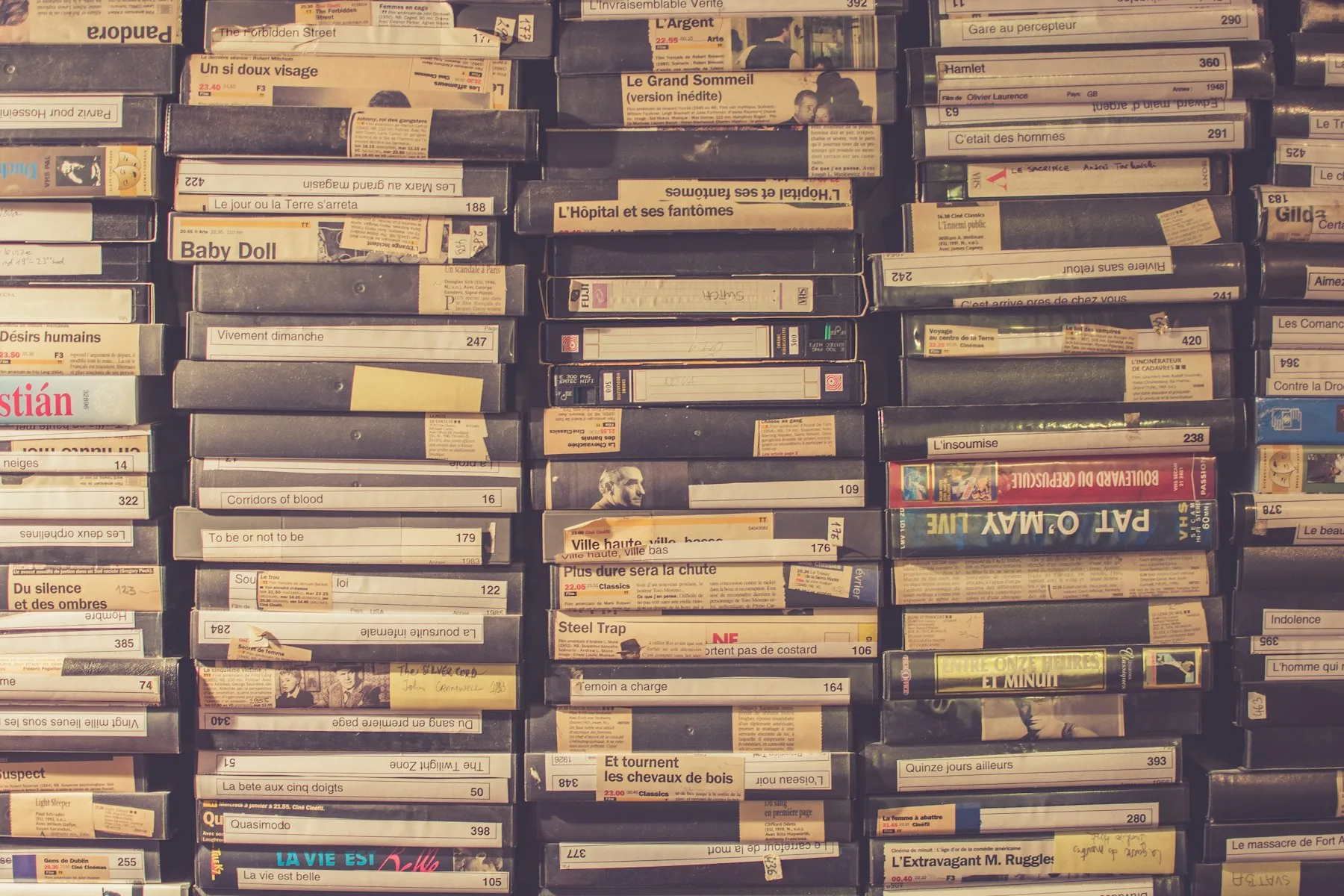
Photos
Keep the case, slipcover, discs, box-set packaging, inserts, or another physical detail with the item itself.
DVD collection app
Give the DVDs, box sets, upgrades, and older editions on your shelves a record you can check without walking back to the cabinet.
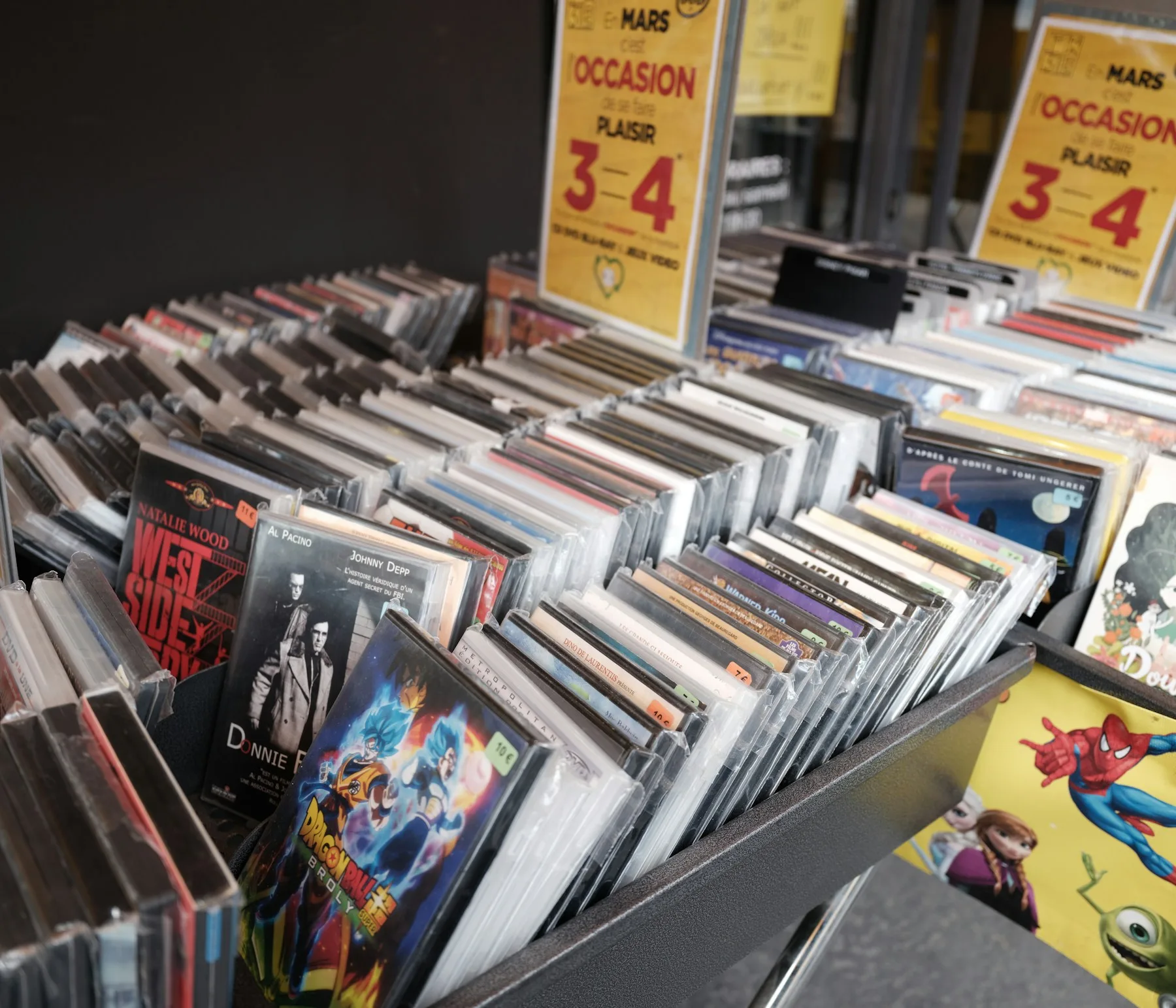
Keep the copy clear
Keep the case, slipcover, discs, box-set packaging, inserts, or another physical detail with the item itself.
Record the state of the copy before shelf wear, resale, or replacement makes it important.
Remember when and where you bought it without searching old orders or receipts.
Keep a value for reference when replacement, resale, or collector context matters.
Organize by DVD, Blu-ray, 4K, box sets, genre, label, or another structure that matches your shelves.
Save region information, edition differences, included discs, special features, or other context that distinguishes your copy.
Keep receipts, invoices, documentation, and other files connected to the disc set they describe.
Save a product page, boutique label listing, review, replacement source, or another reference worth coming back to.
The whole disc shelf
Catalog the discs you kept, upgraded, collected, displayed, or simply do not want to accidentally buy again.
Everyday releases, older favorites, special-feature editions, and the titles that never needed an upgrade.
Full-series boxes, season sets, franchise collections, anthology packages, and multi-disc releases.
Keep newer formats beside the DVDs they replaced so you can see what version is actually on the shelf.
SteelBooks, slipcovers, boutique labels, limited packaging, anniversary editions, and copies where the physical presentation matters.
VHS, LaserDisc, HD DVD, CED, and other physical formats that deserve a record even when no modern database does the work for you.
Your shelf, your system
Use categories such as DVD, Blu-ray, 4K UHD, TV Box Sets, SteelBooks, Horror, or whatever reflects how your own collection is stored and browsed.
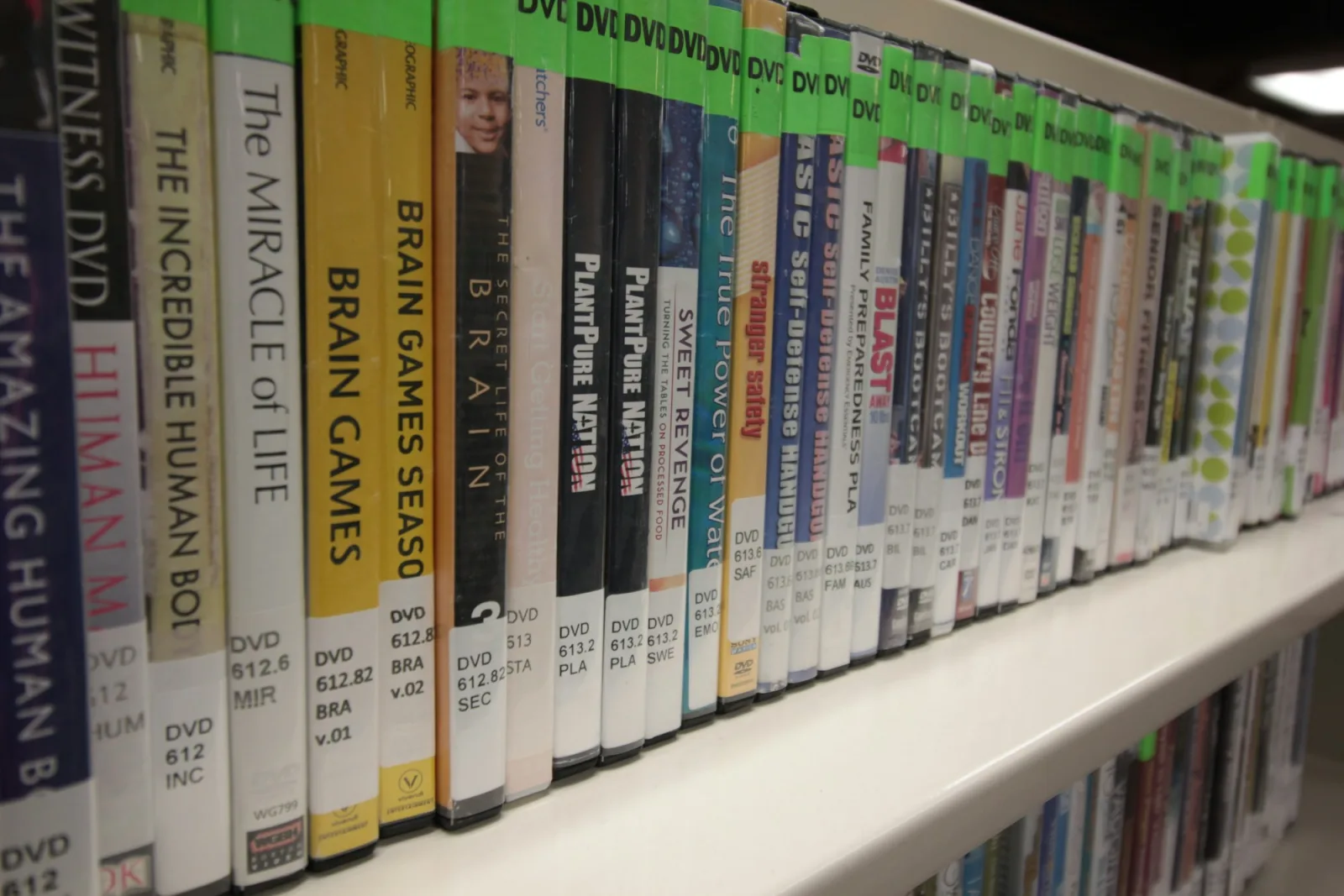
Capture first
Add the title and what you know, use photos when the edition matters, and keep moving. A useful record does not need automatic movie metadata before it can exist.
Give the disc a clear title and enough context to recognize the physical copy later.
Capture the case, box, slipcover, discs, damage, inserts, or another detail that distinguishes it.
Add condition, purchase information, value, notes, files, and links when they matter.
An older or unusual release can still belong in Catalist even without a specialist database match.
Useful away from the shelf
A DVD catalog becomes useful the moment you are shopping somewhere the collection itself cannot answer for you.
Check the catalog before another used DVD or sale copy follows you home unnecessarily.
See what you recorded before buying another Blu-ray or 4K copy of a movie you may already have upgraded.
Use your records and notes to remember when a movie is already part of a larger set.
Save photos and condition for SteelBooks, slipcovers, boutique releases, and other physical details that generic movie lists ignore.
Reference the copy's condition, photos, purchase context, notes, and value before deciding what stays on the shelf.
Give years of accumulated discs one consistent place to live instead of relying on cabinets and memory alone.
Built around physical ownership
A movie list tells you that you know the title. Catalist gives you a place for the physical copy you own: its photos, condition, purchase context, notes, files, links, and recorded value.
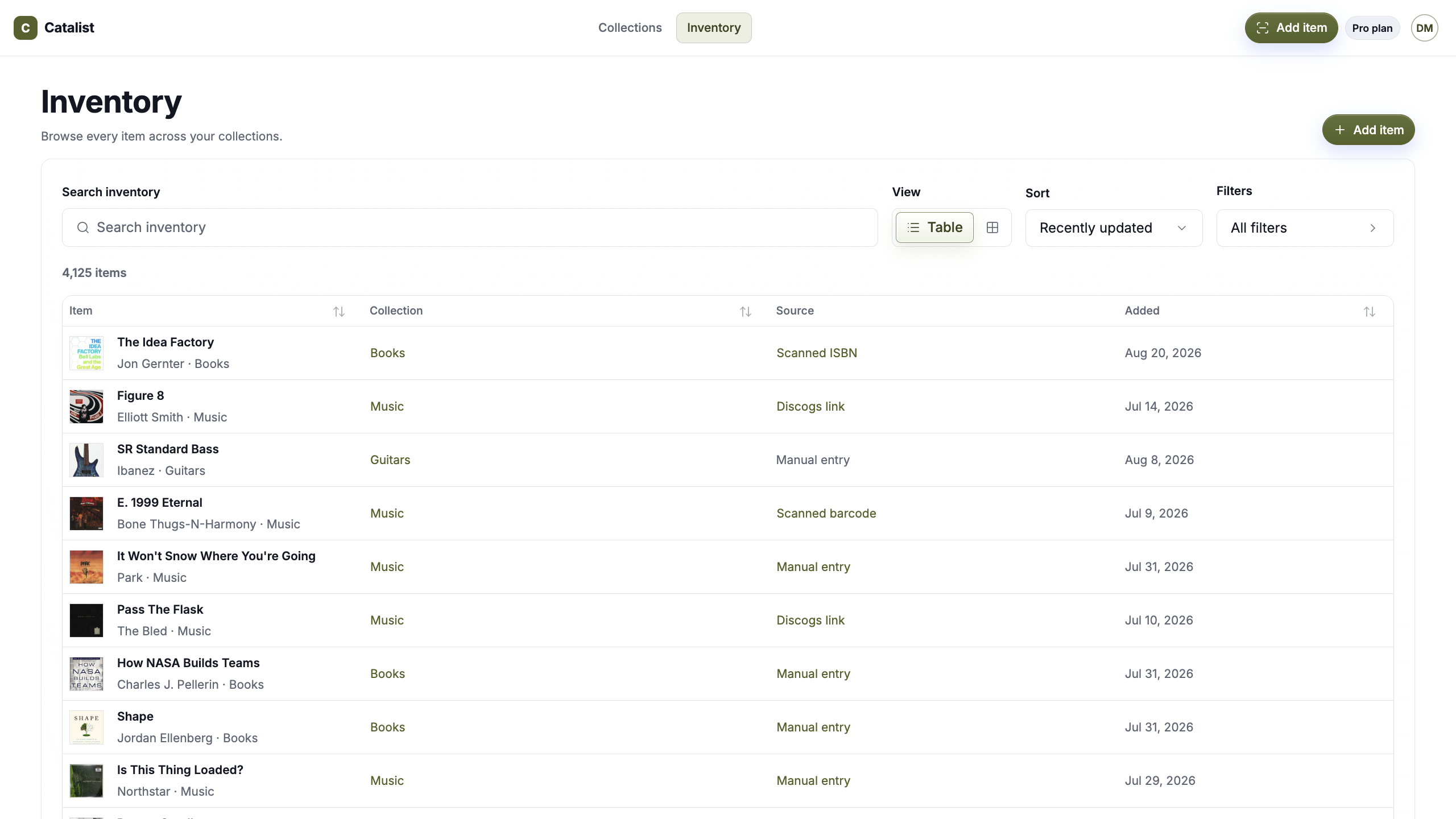
More than DVDs
DVDs do not have to live in one movie app while vinyl, books, board games, comics, puzzles, and other collections live somewhere else.
Keep them in Catalist while each collection keeps its own organization.
Explore what you can catalogSimple pricing
Start free or go Pro. Use the same Catalist account for DVDs and every other collection you want to keep together.
Catalist Free
Catalog up to 75 items across 2 collections.
Catalist Pro Monthly
Catalog unlimited items across unlimited collections.
Catalist Pro Annual
Get the same unlimited Pro plan and save with annual billing.
Start free with 2 collections and up to 75 items. Go Pro for unlimited collections and items.
Questions, answered
What to know about using Catalist as a DVD collection app.
A DVD collection app gives you a digital record of the physical discs you own, with photos, condition, purchase details, notes, values, files, links, and whatever else helps identify the copy on your shelf.
Yes. Create a collection and organize DVDs, Blu-rays, 4K releases, box sets, and other formats in the way that fits your shelves.
Yes. Add them manually and keep the details you know.
Yes. Catalist can keep manually created records for older and unusual physical formats.
Yes. Each physical copy can have its own item record, photos, condition, purchase details, recorded value, files, links, and notes.
Yes. Add item photos for packaging, cases, discs, inserts, condition, or another physical detail worth preserving.
Not currently as a dedicated DVD/movie lookup flow. Add the item manually and keep the ownership details that matter to your copy.
No. Catalist is centered on the physical items you own rather than watch history, streaming availability, ratings, or recommendations.
No. Catalist is private by default.
Yes. Keep DVDs beside Vinyl, Books, Board Games, Comics, Puzzles, Home, and other collections in the same Catalist account.
Give the DVDs you have collected over the years a record you can actually check when you need it.
Private by default · One catalog · Everything you own