Check the collection first
Search or browse the CDs you have already cataloged before another copy comes home.
CD collection app
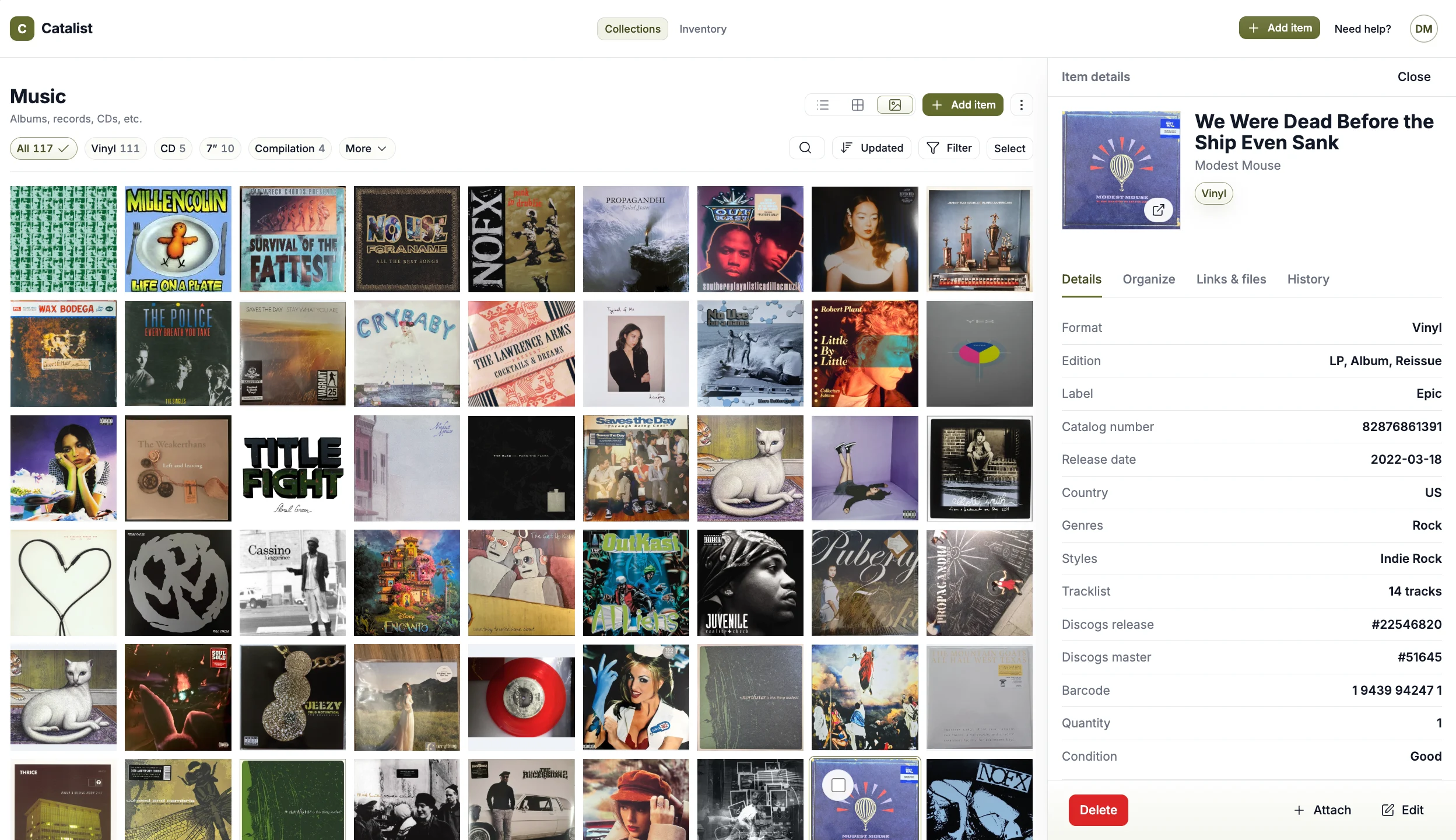
Keep albums, singles, box sets, imports, deluxe editions, and other CDs organized and categorized with available release details, condition, photos, purchase information, notes, recorded value, and custom details for the copies you own.
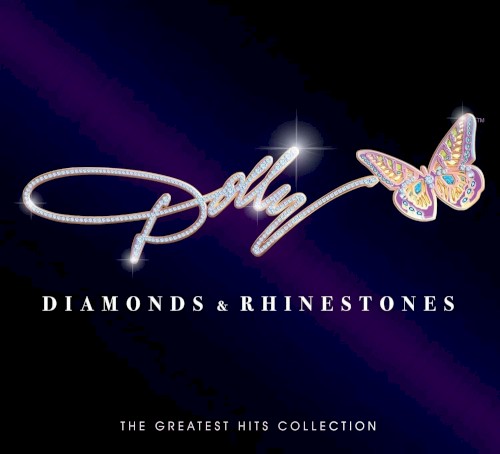
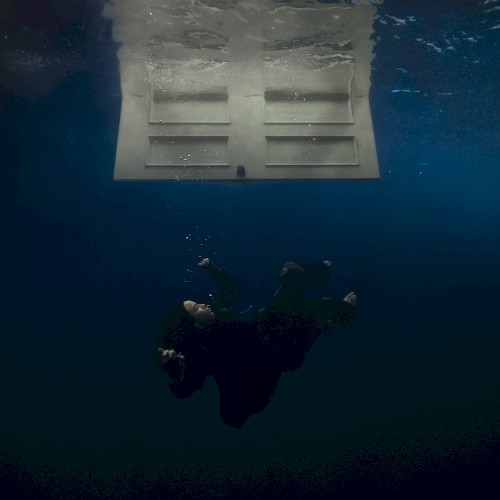

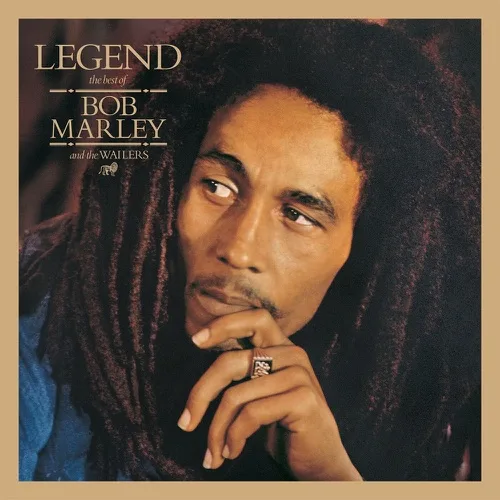
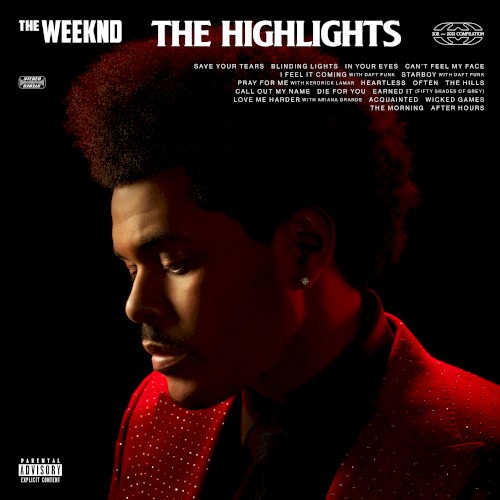
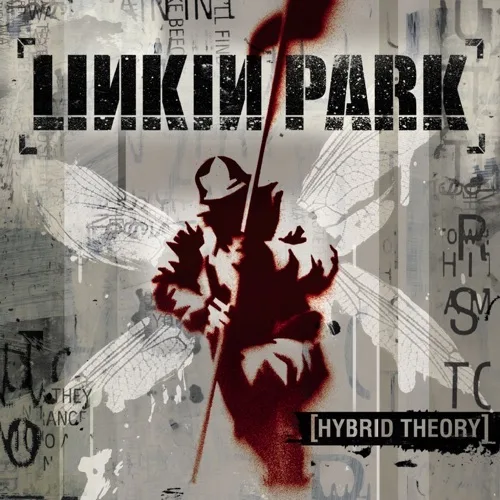
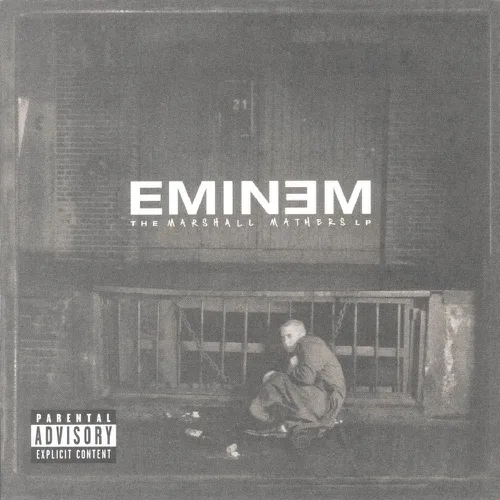
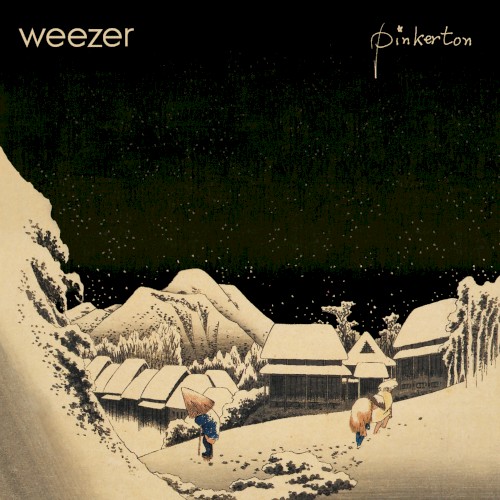

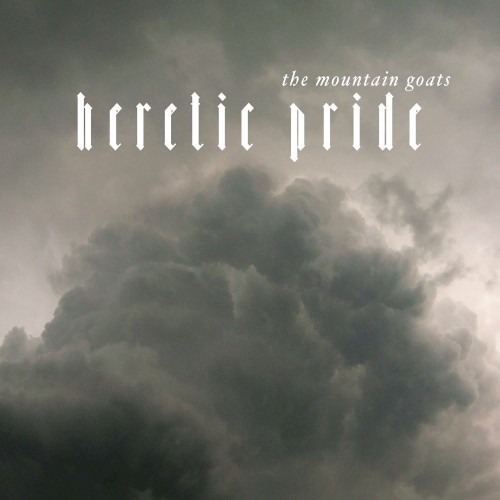
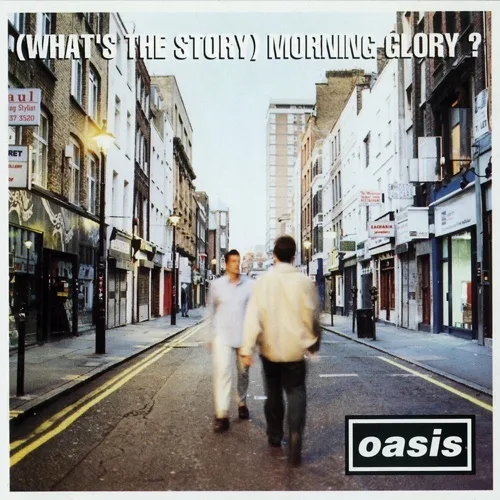
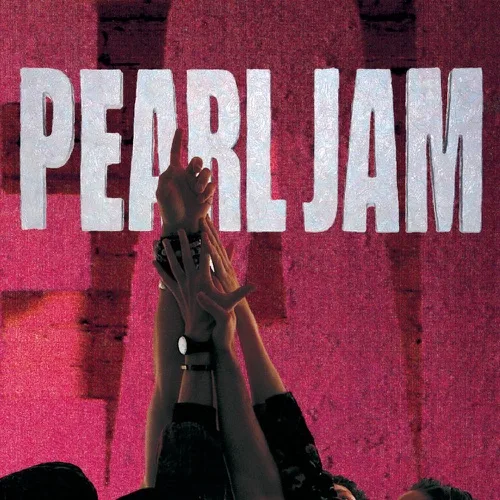
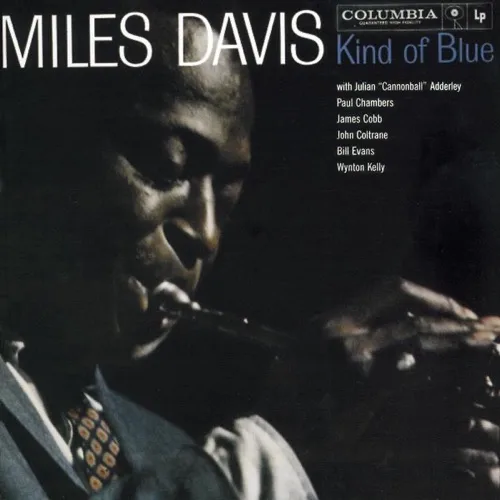
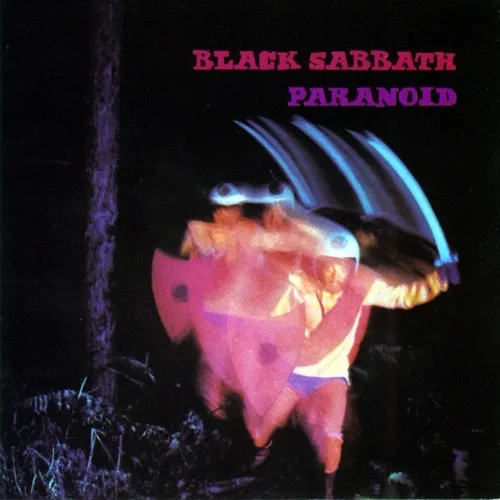
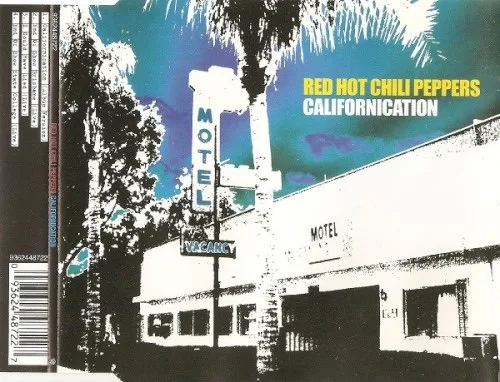
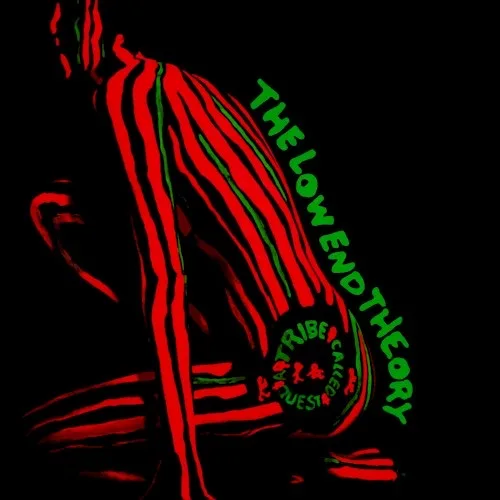
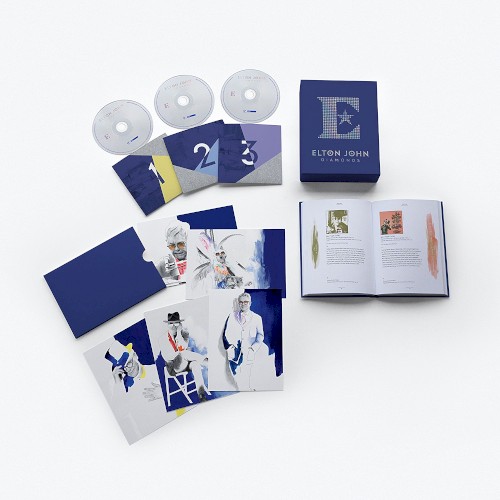
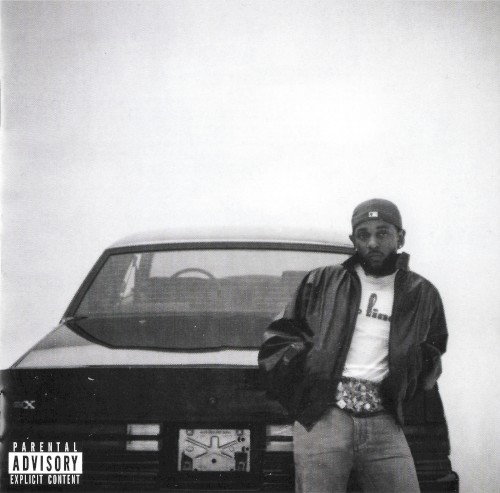
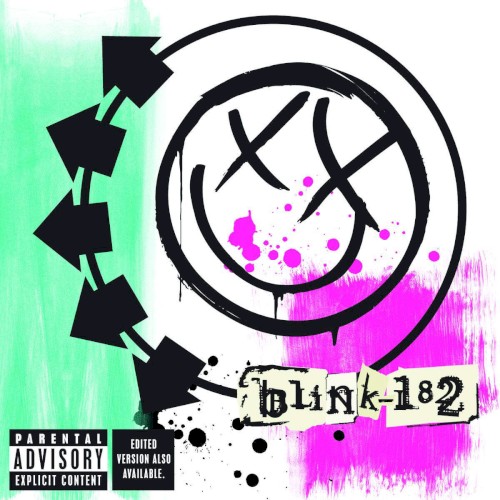


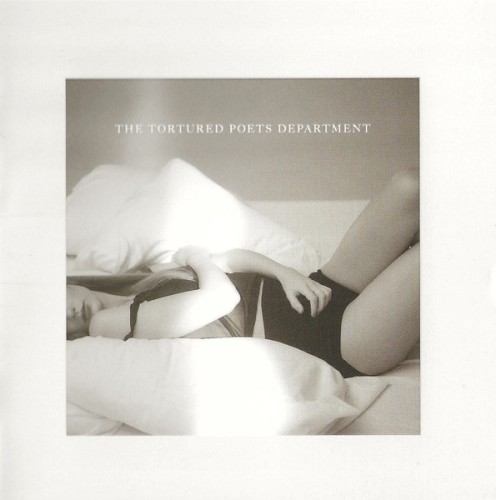

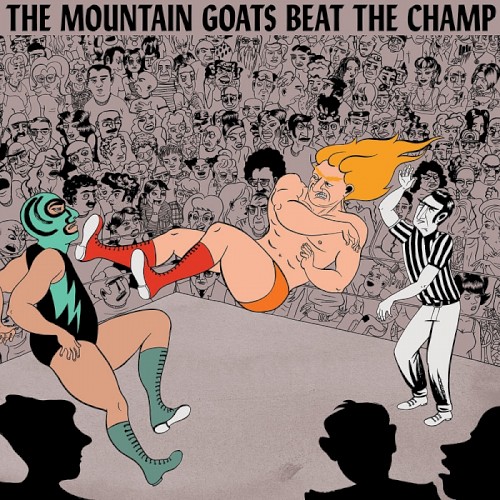
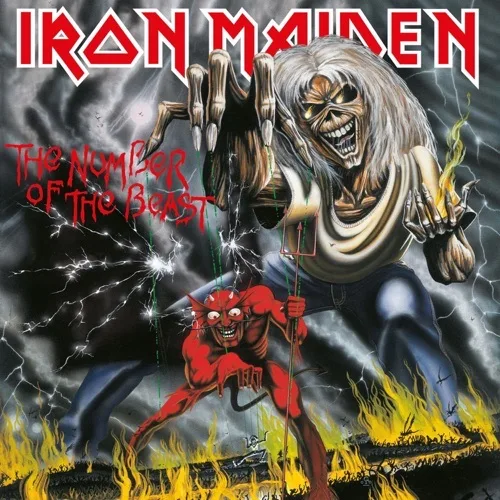
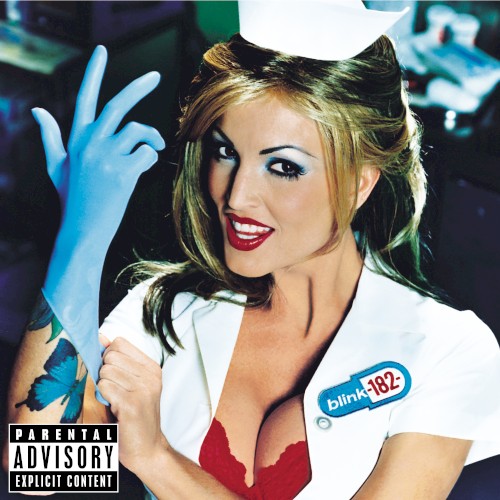
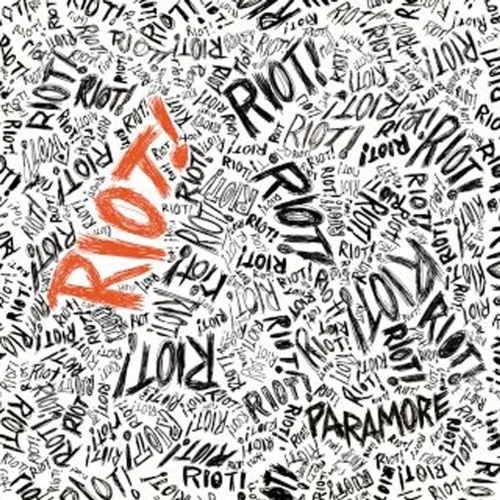


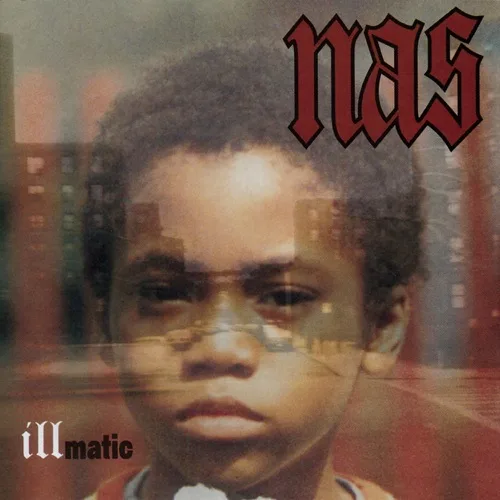
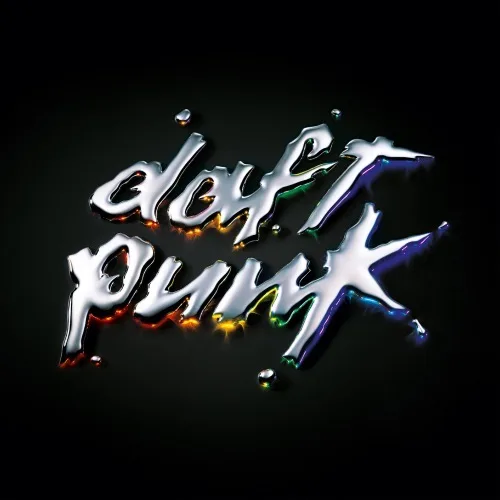


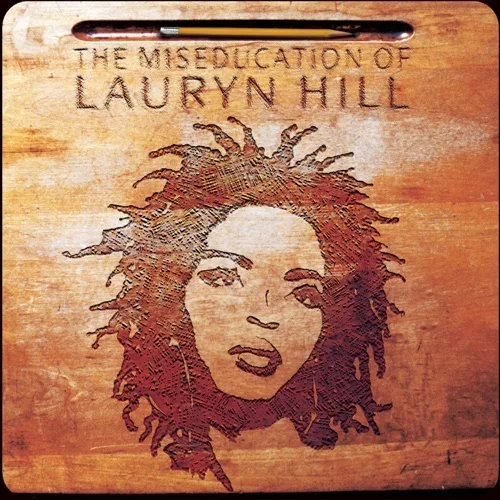
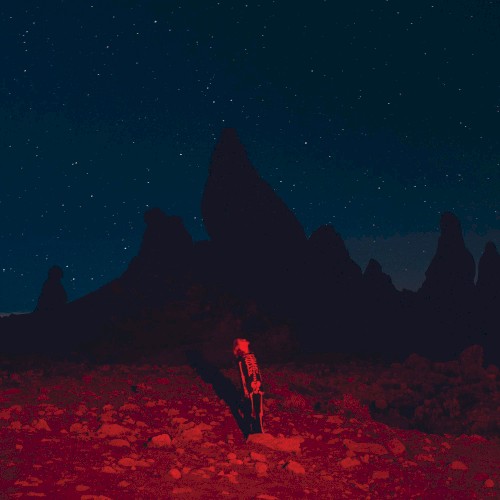
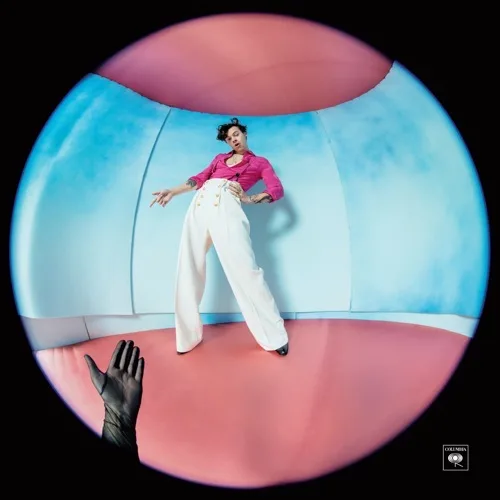
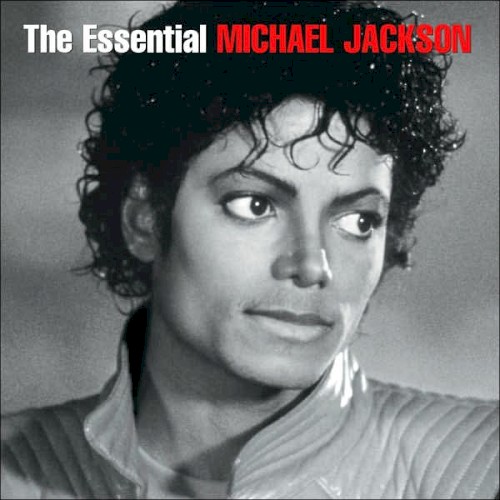

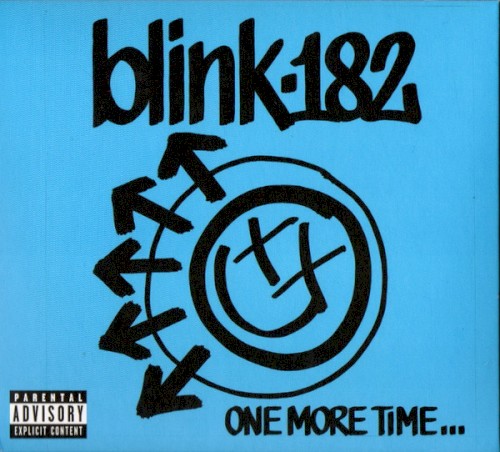
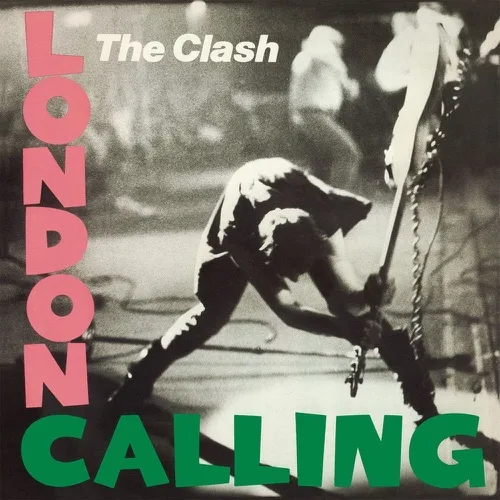

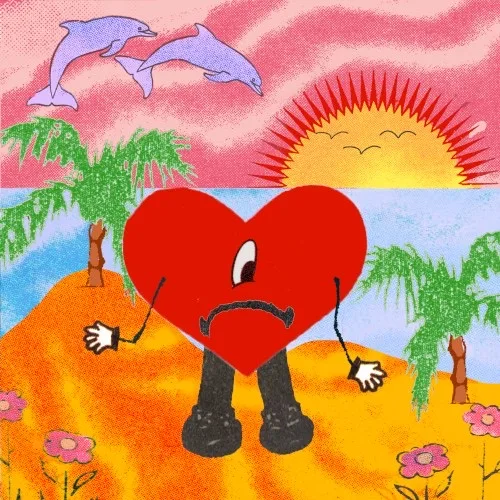
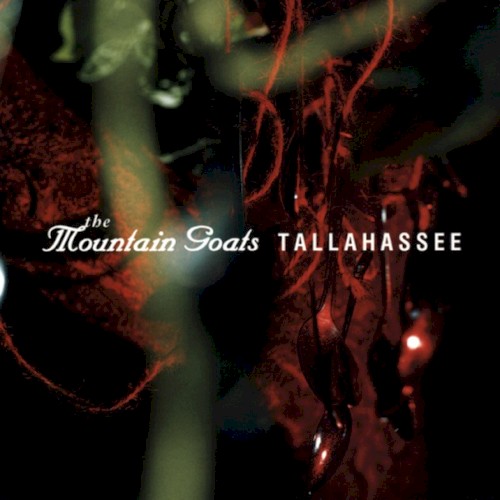
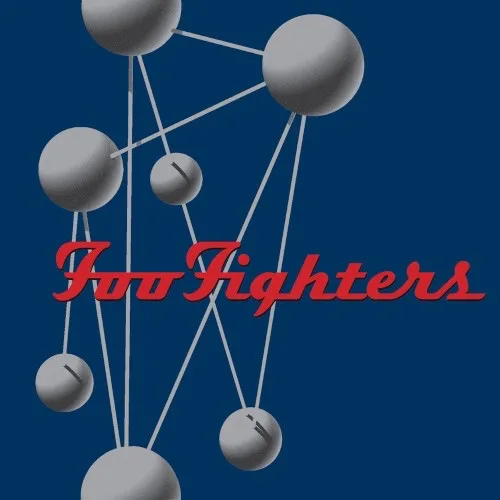
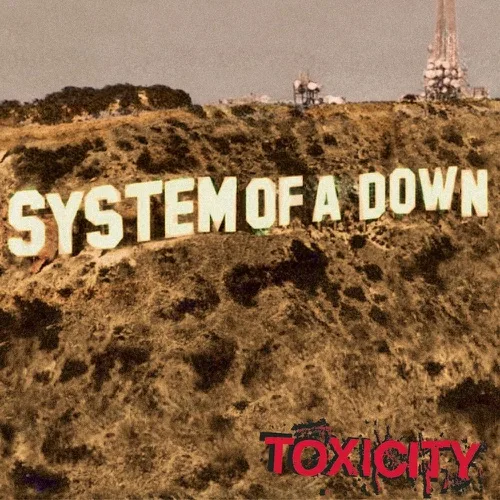
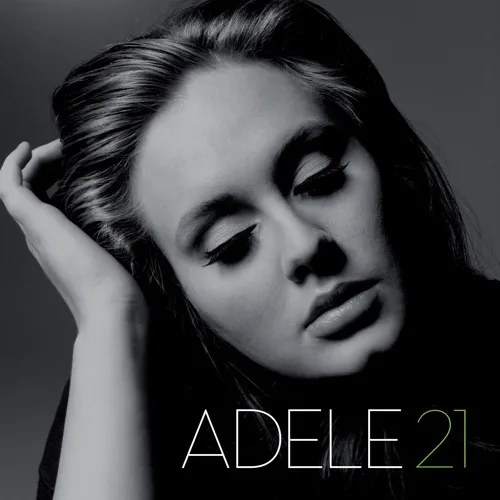

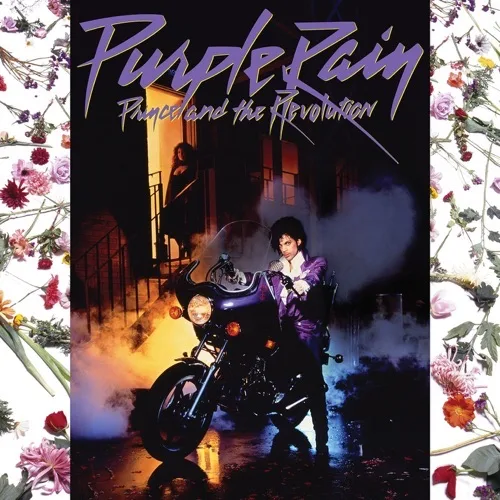






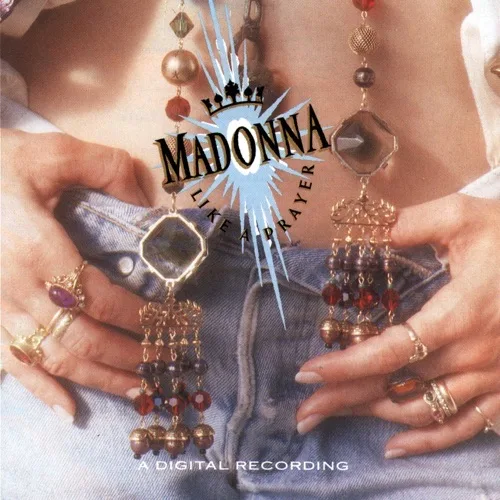
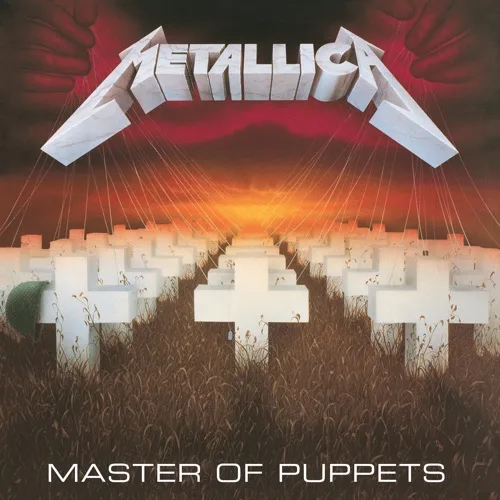
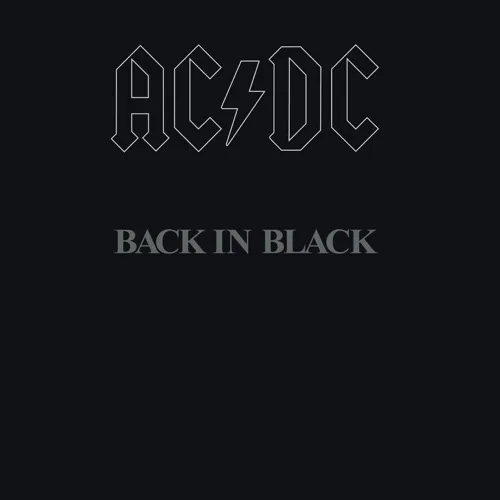
Duplicate awareness
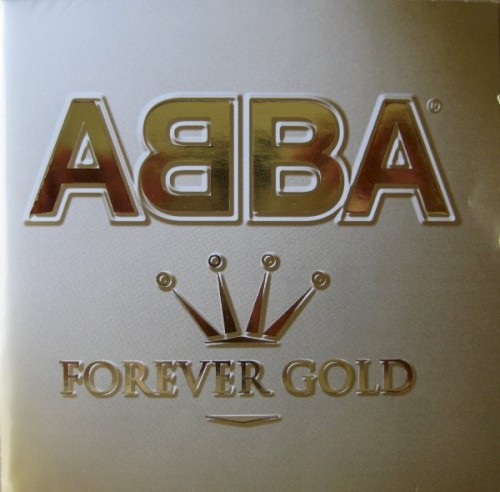
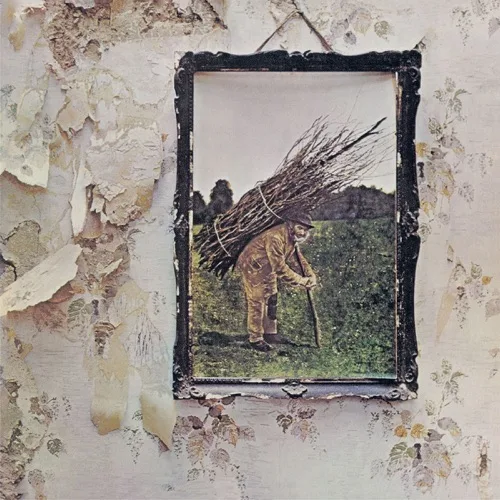
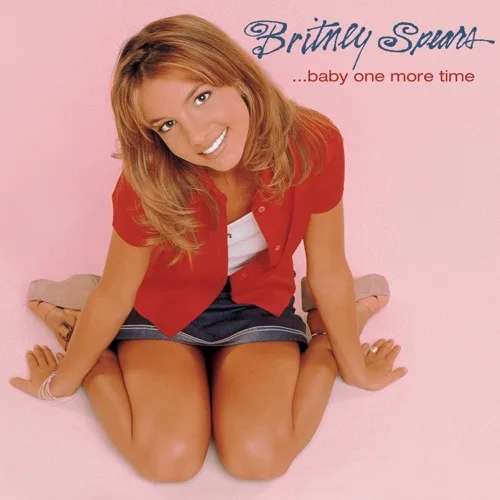
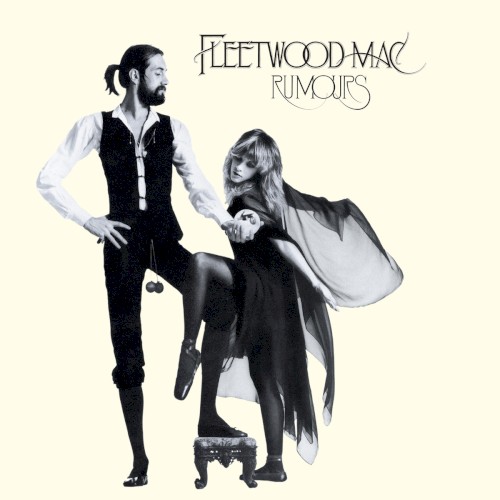
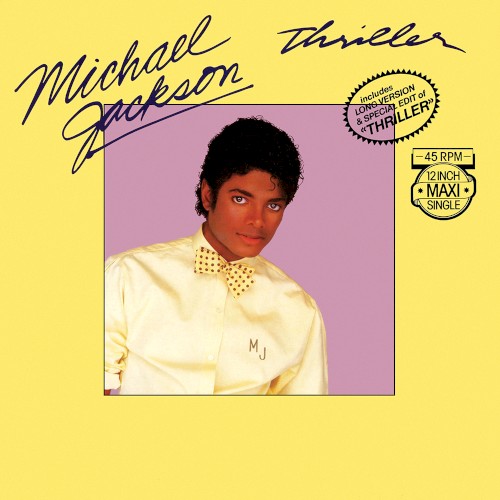
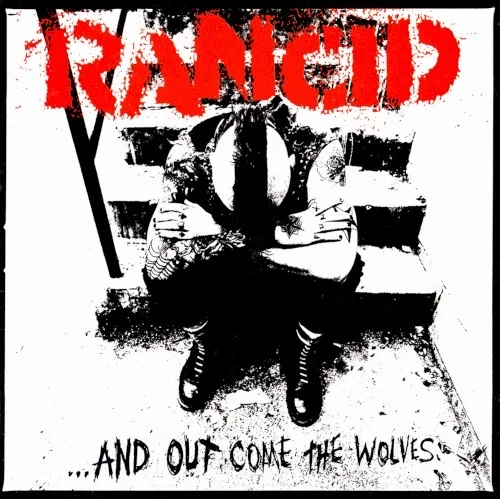
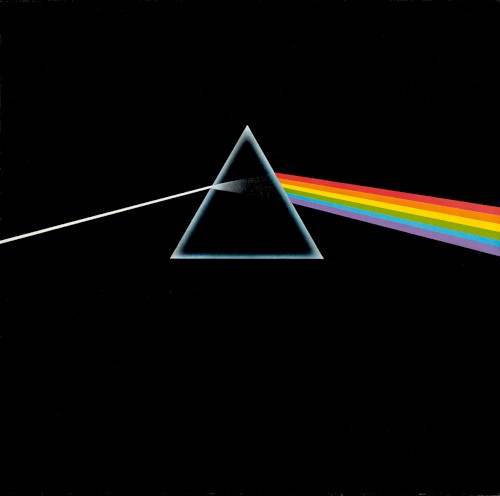
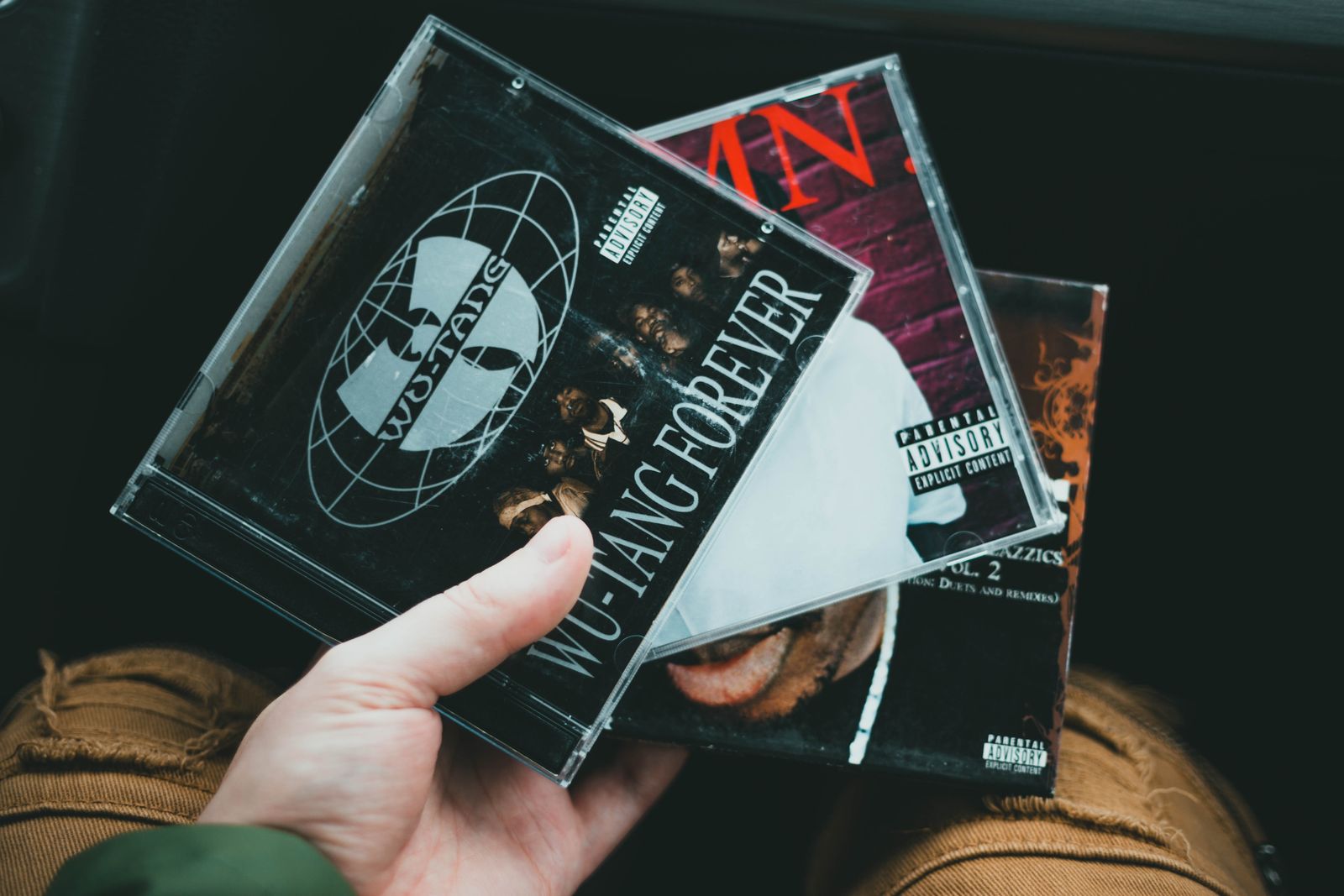
Found a CD at a shop, sale, or online and the cover looks familiar? Check your collection before you buy and see whether you may already own it—or whether the edition in front of you is different from the one on your shelf.
Search or browse the CDs you have already cataloged before another copy comes home.
During supported lookup, Catalist can surface a potential match already in the selected collection before you save another copy.
Packaging, release date, label, catalog number, bonus material, and other details can differ. Compare the available release information with the details you saved about your copy before deciding whether it is the same one.
Already own it? Skip the duplicate. Different edition? Keep both.
More than artist and title
The album title may be the same while the release is not. Keep the available release information together with the details you record about the physical CD you own.
Keep available format, edition, label, catalog number, release date, and other supported release information.
Record the overall condition of the item and use notes or custom details when you want to preserve disc, booklet, jewel-case, or packaging nuance.
Keep when, where, and how much you paid connected to the CD.
Save a value for your own reference without turning the collection into a market-pricing tool.
Add your own photos of discs, booklets, inserts, signatures, alternate artwork, packaging, damage, or other details worth keeping with the item.
Keep pressing or edition clues, storage information, personal context, useful references, or details that matter to your collection.
Your CDs, organized
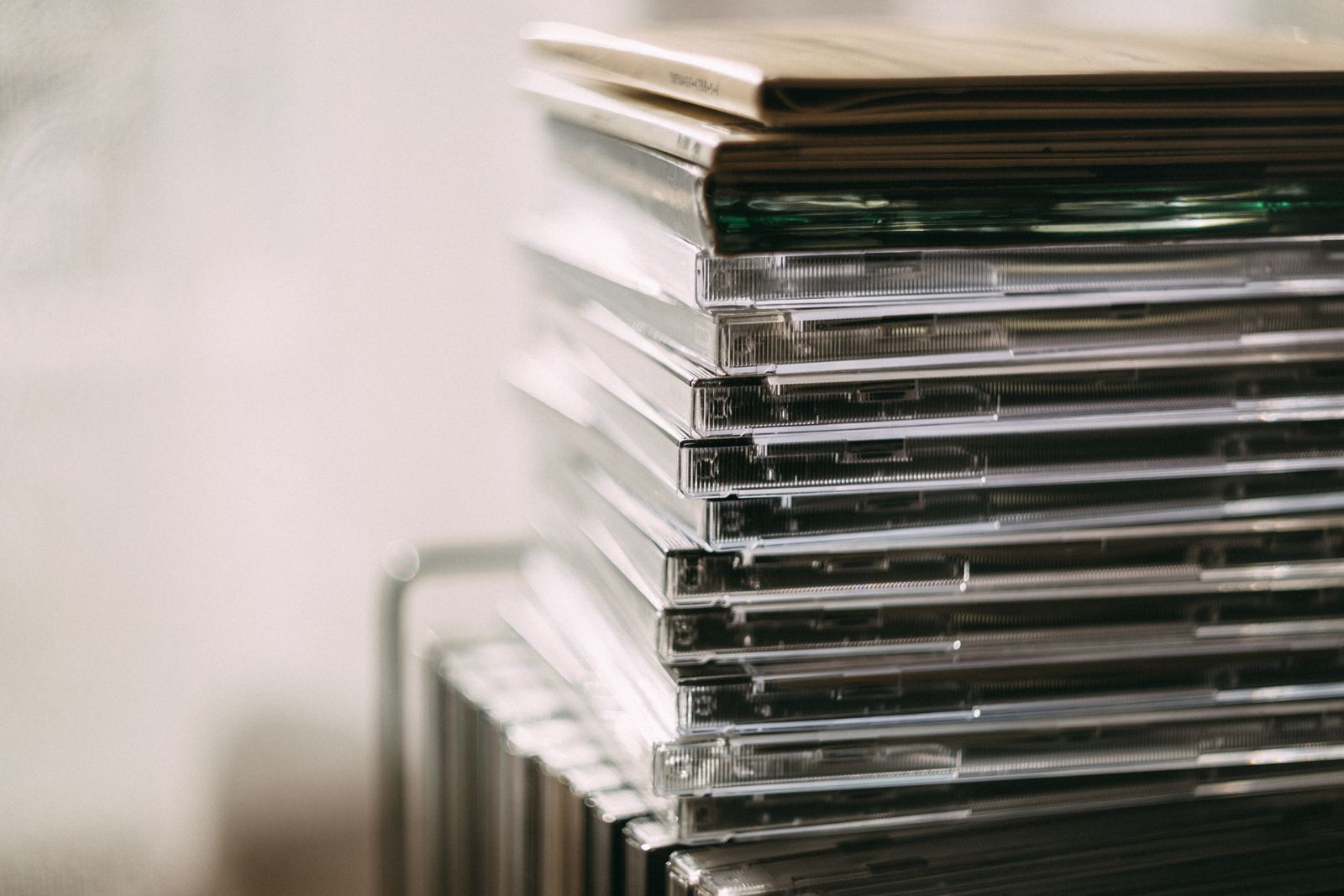
A row of jewel-case spines can tell you what is on the shelf, but not always which edition you own, what you paid, or whether the copy in front of you is already at home. Catalog the collection so those details are easy to check when you need them.
Keep full-length albums, singles, EPs, promos, and other releases together in the collection.
Keep edition and release information with the versions that include bonus discs, remasters, alternate packaging, or expanded material.
Record the details that help distinguish imports, limited runs, alternate artwork, signed copies, and unusual releases.
Keep multi-disc sets and larger packages in the same catalog without reducing them to a generic title.
Your CDs, your organization
Create categories that make sense for your CDs—like Rock, Jazz, Soundtracks, Imports, Box Sets, Deluxe Editions, or whatever helps you browse and understand the collection. Your CD collection does not have to follow someone else's genre list or database structure.
Faster CD cataloging
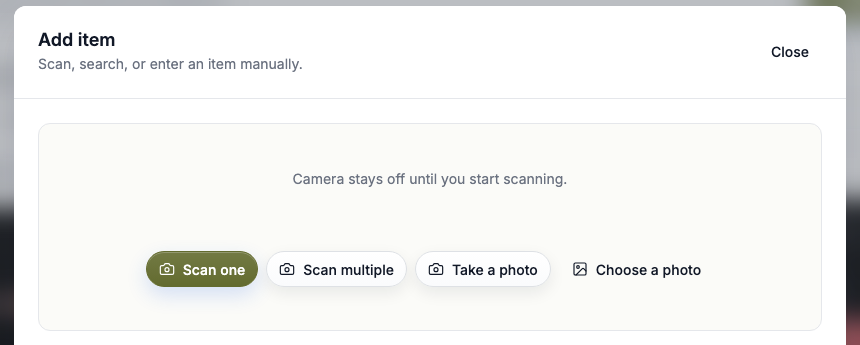
Search by artist or album, scan a supported UPC or EAN barcode, paste a supported Discogs release link, or add the CD manually. Review the available details and save it to your collection.
Find supported music results by artist, album, or release information.
Use supported UPC and EAN barcodes when lookup coverage is available.
Paste a supported Discogs release URL to bring available release information into the review flow.
No useful lookup result? Add the CD yourself and keep cataloging.
Search your collection
Search the CDs you have added using information such as artist, title, release metadata, identifiers, notes, and custom details.
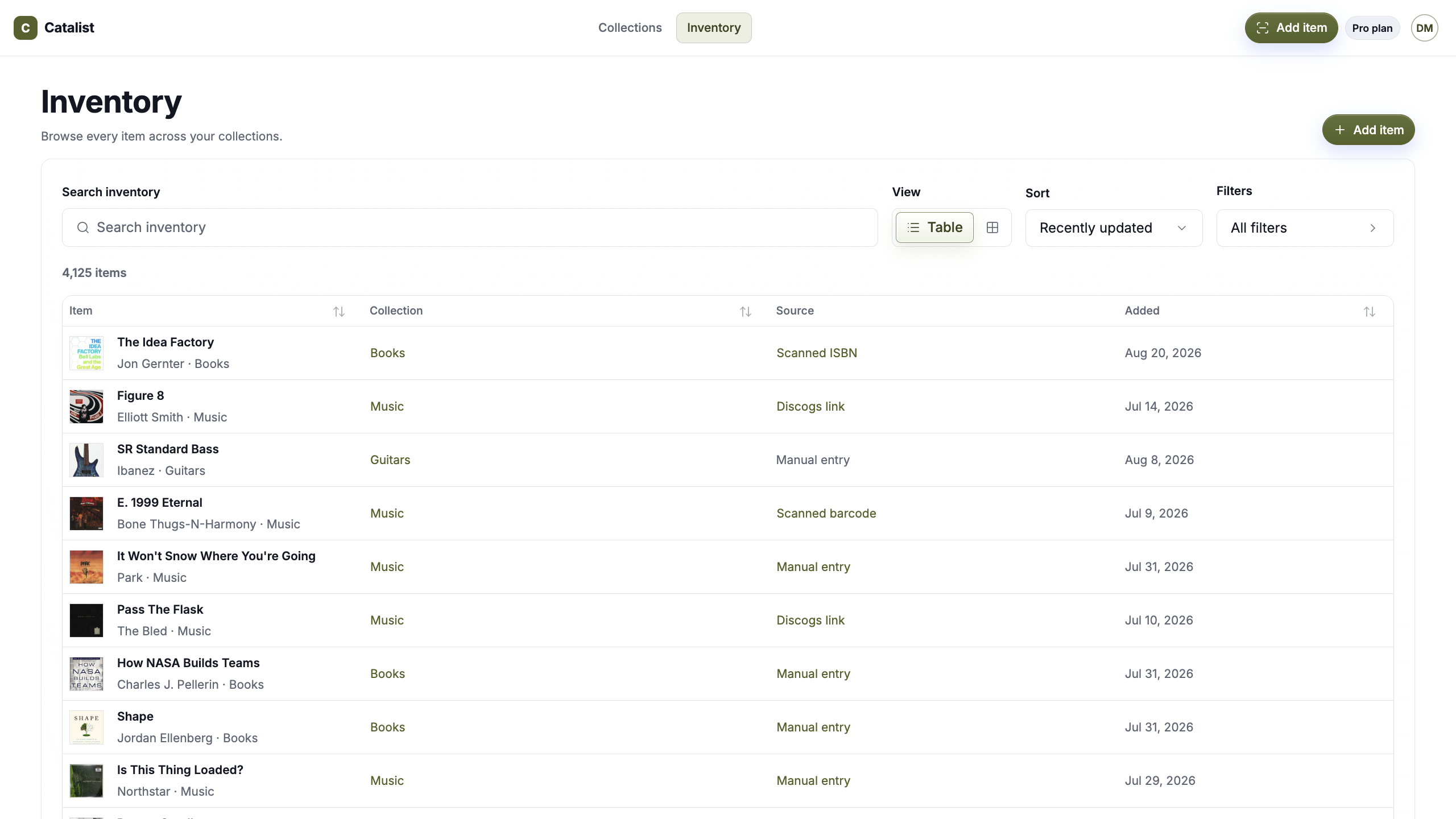
Keep CDs in Catalist alongside Vinyl, cassettes, box sets, and the rest of your physical music—plus Books, Movies, Games, and any other collections you want to catalog.
Explore MusicSimple pricing
Start with up to 2 collections and 75 items. Go Pro for unlimited collections and items.
Catalist Free
Use the complete cataloging experience for up to 75 items across 2 collections.
Catalist Pro Monthly
Catalog unlimited items across unlimited collections.
Catalist Pro Annual
Get the same unlimited Pro plan and save with annual billing.
Questions, answered
What to know about using Catalist as a CD collection app.
A CD collection app helps you catalog and organize the CDs you own, including artist and title, available release information, condition, purchase details, photos, notes, recorded value, categories, and other copy-specific details.
Catalist supports UPC and EAN barcode scanning for supported music lookup. Coverage varies by release and provider, so CDs without a useful result can always be added manually.
Yes. Search by artist, album, or release information, or use a supported Discogs release link. Review the available result before saving it to your collection.
Catalist can surface a potential existing-catalog match during supported lookup. Because CDs can differ by edition or release, compare the returned information with your saved copy details before deciding whether it is the same item.
Yes. Add them manually and keep the artist, title, format, condition, photos, notes, purchase information, value, links, categories, and custom details you want to preserve.
Yes. Different copies can be kept as separate Catalist items so each can have its own condition, photos, purchase information, notes, recorded value, and other details.
Not always. Supported lookup can provide available release candidates and metadata, but coverage and precision vary. Review the result and use the details you save about your own copy when edition-level differences matter.
No. Catalist lets you record a value for your own reference. It does not currently provide automatic appraisal or live music-market pricing.
No. Catalist is private by default.
Yes. Use a Music collection for mixed formats or create separate collections for CDs, Vinyl, Cassettes, or however you prefer to organize them.
Catalog the CDs you own, keep the details that matter to each copy, and check the collection wherever the next album turns up.
Private by default · One catalog · Everything you own